Get Tin Hat / Web & phone
Tin Hat in your browser
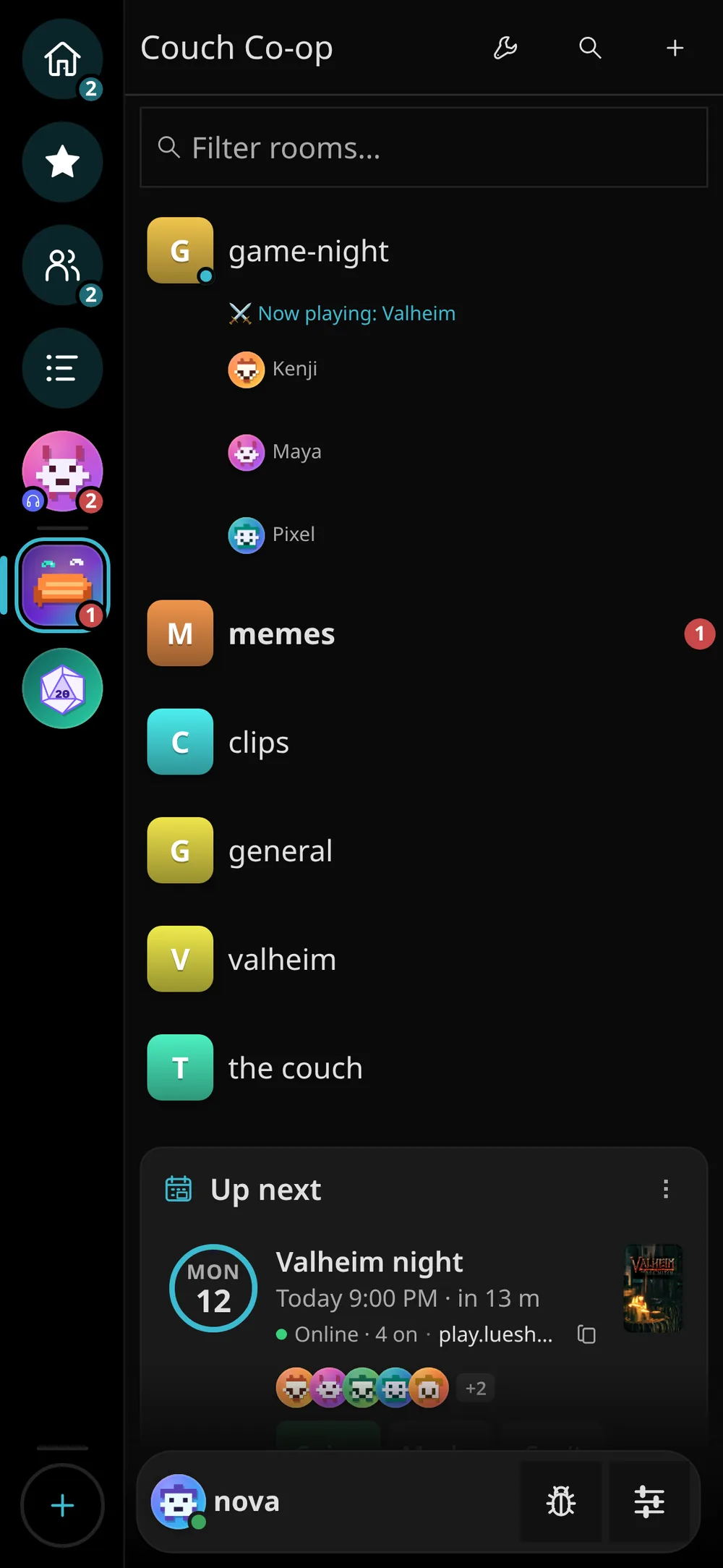
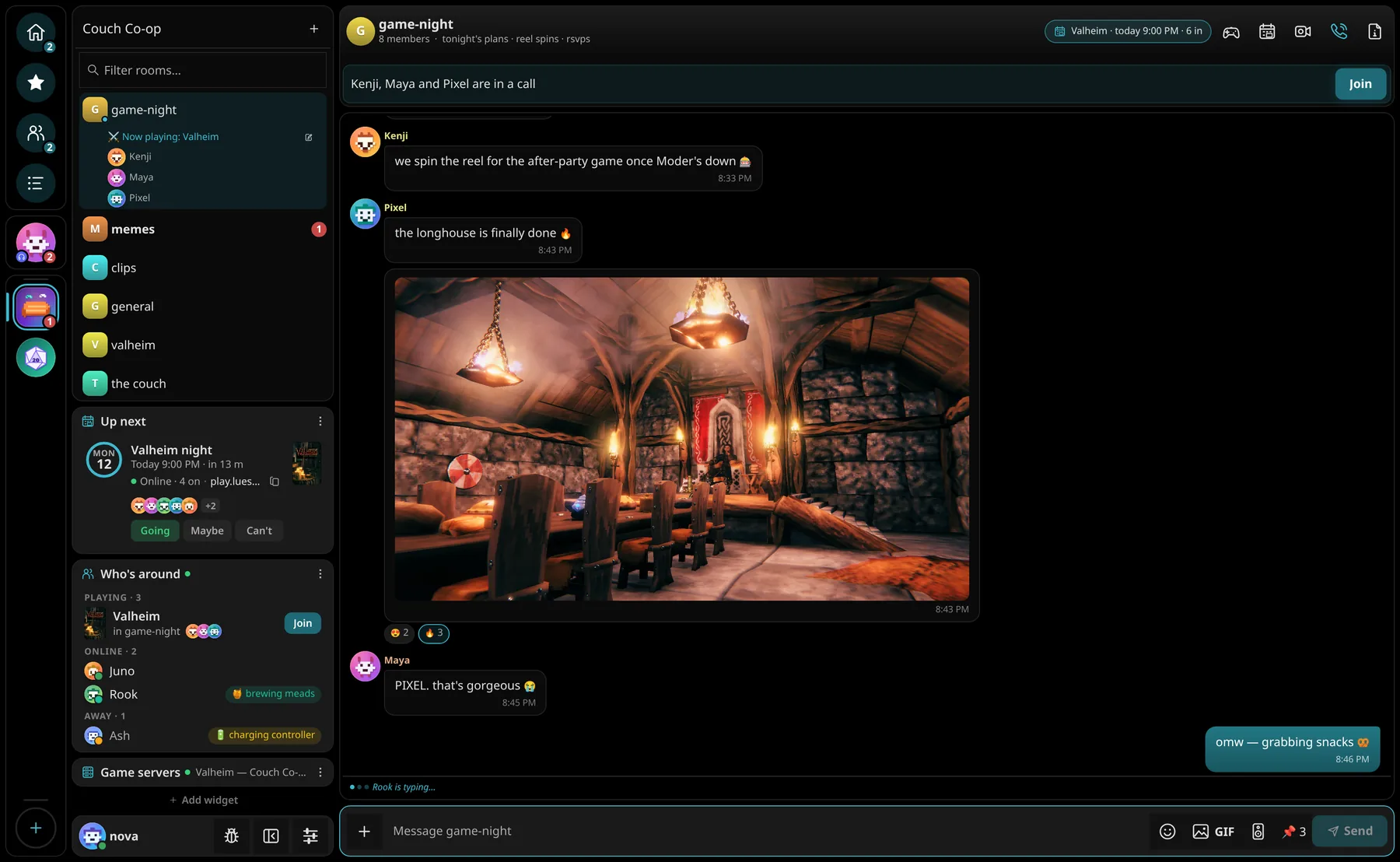
The full app at tinhat.lueshub.com. Nothing to install, the same look and features as the desktop app, and on your phone it becomes a home-screen app with notifications.
-
Sign in, or create your account
It's the same LuesHub account you use everywhere else (
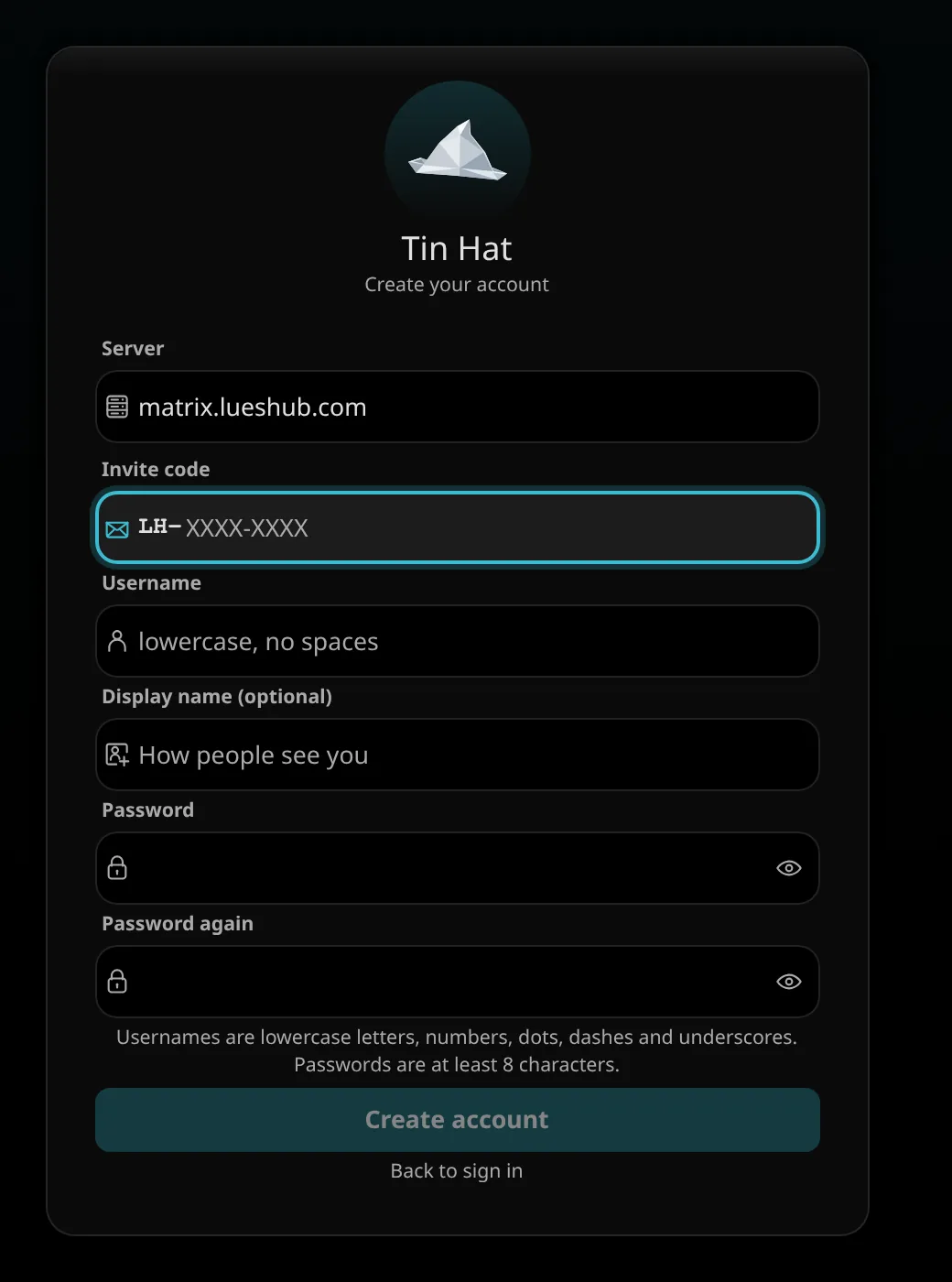
@you:lueshub.com). Sign in and your rooms, calls and history are all there.New here? Click Create an account and enter the invite code someone in the crew sent you. No email or phone number needed. You can add an email later so you can reset a forgotten password.
-
Use the browser you like
Chat and calls work in Chrome, Edge, Brave, Firefox and Safari. Chrome, Edge or Brave get everything, including Memories playback and the sharpest (AV1) streams.
Keep one Tin Hat tab open. If you open a second one, it offers to take over from the first.
iPhone & iPad
Put it on your home screen.
Added to your home screen, Tin Hat opens full-screen like any app and can send you notifications. On iPhone that's the only way websites are allowed to notify you (iOS 16.4 or newer).
Go to tinhat.lueshub.com in Safari.
The square with the arrow, at the bottom of Safari (top right on iPad).
Scroll the list if you don't see it, then tap Add.

Start Tin Hat from the new icon and say yes when it asks about notifications.
Android
Install it from Chrome
- Open tinhat.lueshub.com in Chrome
- Tap ⋮ (top right) → Add to Home screen or Install app
- Open Tin Hat from your home screen and allow notifications
No account?
Got a call link from a friend?
Just open it. Guest links drop you straight into that room's call in your browser: pick a name and you're in. No sign-up, no install. When you want to stay, ask for an invite code and make a real account.
Phone layout
Made for your thumb.
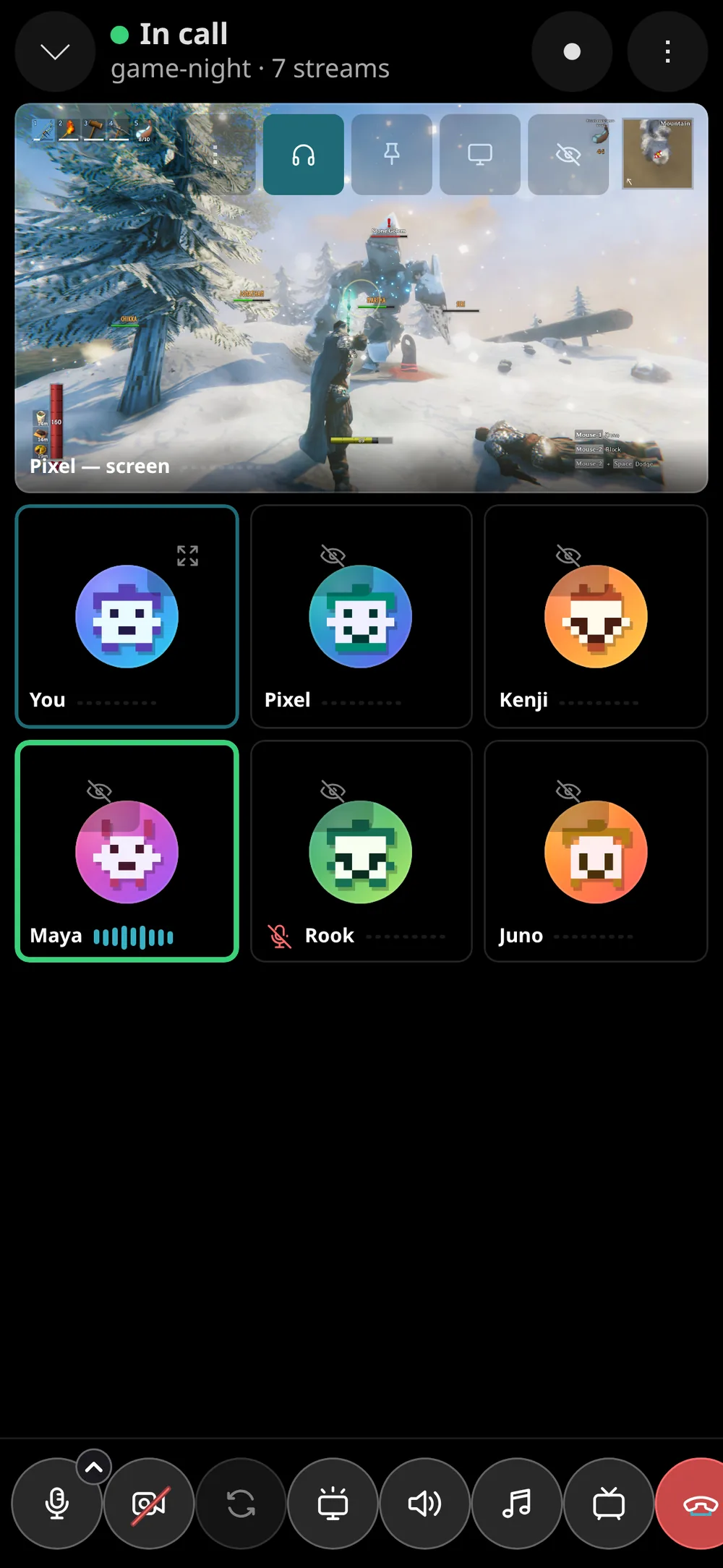
On a phone Tin Hat switches to a layout built for touch: rooms, then the conversation, full-screen calls with the buttons at the bottom, and long-press for everything you'd right-click on a PC.
The desktop apps add what a browser can't do: sharing one app's audio, hardware (NVENC) encoding, global hotkeys, the tray icon and the in-game overlay. Windows · Linux